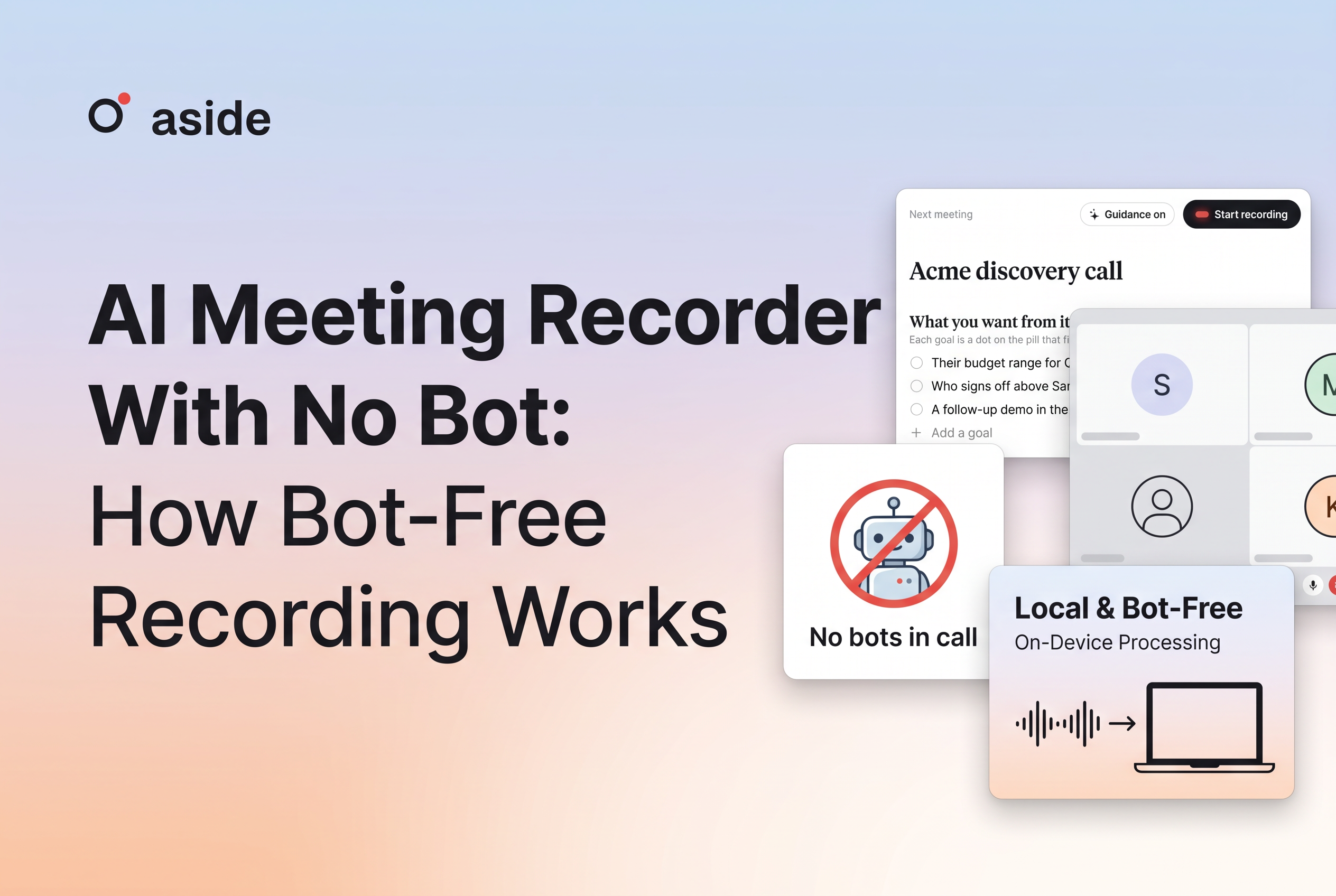
You are ten minutes into a prospect call when a small notification slides in: "Notetaker Bot has joined the meeting." The prospect's tone changes. Someone asks who invited it. You spend the next two minutes explaining software instead of selling.
This is the daily cost of bot-based recording, and it is why so many founders, sales reps, consultants and recruiters now search for an AI meeting recorder that never shows up as a participant. The idea sounds like a trick. It is not. A bot-free recorder simply listens on your own computer instead of joining the call as a guest.
But "no bot" gets used as shorthand for several different things, and some of them have nothing to do with privacy. A recorder can skip the bot and still ship your audio to a server. This article explains what happens in each design, why bot-free recording works across Zoom, Meet, Teams, Slack and FaceTime, where transcription really takes place, what no recorder can do for you, and which questions to ask before you pick one.
What a bot-based AI meeting recorder actually does
A bot-based recorder is a fake attendee. When you connect it to your calendar, it reads your upcoming meetings, finds the call link, and sends a software participant into the room. To Zoom, Google Meet or Teams, that participant looks like any other guest, with a name, a tile and a place in the attendee list.
Because the bot is a participant, the meeting platform hands it the audio and video stream directly, the same way it hands them to your colleague. The bot records that stream on a remote server, runs transcription there, and posts a summary afterwards.
That design has real advantages. It works even if your laptop is closed, and it can record a meeting you never attended. If you want a recorder that covers every call on a team calendar without anyone touching it, a bot is a reasonable way to build one.
The costs show up in the room. Everyone sees it. Some hosts block unknown participants. External guests, especially in legal, finance and healthcare conversations, often object to a third-party service sitting in a confidential call. On a discovery call, a bot changes the mood before you have said hello.
My position: if the call is a sales conversation, a client consultation or a candidate screen, a visible bot is a tax on rapport. You can pay it, but you should know you are paying it. The bot also tells you something about the architecture. The audio lives on someone else's server from the first second.
How bot-free recording works: your mic plus system audio
A bot-free recorder never enters the meeting. It runs as an app on your own computer and captures two audio sources at the same time.
The first is your microphone, which carries your voice. The second is system audio, the sound your computer plays through its speakers or headphones. In any video call, system audio is the other people talking. Mix the two together and you have the whole conversation, captured at the operating system level.
The call software never knows. From Zoom's point of view, you are a normal attendee with a normal microphone. Nothing was added to the participant list, no join notification fired, and the host has nothing to approve or block.
This is a different mechanism from the bot, not a cosmetic variation of it. The bot receives a feed from the platform. The bot-free recorder listens to what already reaches your ears.
There is one honest tradeoff. Because it runs on your machine, your machine has to be on and in the call. It cannot record a meeting you skipped. For solo professionals who are on every call that matters, that is rarely a problem. It is the right trade for anyone who wants the conversation to feel like a conversation.
Two practical notes. First, the operating system typically asks you to grant permission before an app can capture system audio, so expect a one-time setup prompt. Second, headphones do not break this. The recorder reads the audio your computer is playing, not what escapes your speakers, so you get clean capture without a noisy room.
Why it works across Zoom, Meet, Teams, Slack and FaceTime
Bot-based recorders are tied to platform integrations. A bot has to be built for Zoom's meeting system, then again for Google Meet, then again for Teams, and each platform sets its own rules about who can join and how. Slack huddles and FaceTime are awkward or impossible targets, because they were not designed to take bot guests at all.
Bot-free capture sidesteps that whole problem. It does not care which app produced the sound. If your computer plays the audio and your mic hears you, the recorder hears both.
That is why a single bot-free app can cover Zoom, Google Meet, Microsoft Teams, Slack huddles and FaceTime, plus any other call app and even phone calls routed through your computer. Aside lists exactly those: Zoom, Google Meet, Teams, Slack huddles, FaceTime, any other call app, phone calls through the computer and in-room meetings. The same logic explains in-room recording. The mic hears the room, so no meeting software is involved at all. If you run in-person conversations, how to record an in-person meeting with an AI notetaker covers that case in detail.
The practical benefit is one habit instead of five. You do not check whether this particular platform is supported, and you do not wonder whether the host blocks bots. You press record, and the call app is irrelevant.
The requirement is the computer itself. Aside runs on Apple silicon Macs (macOS 14.2 or later) and on Windows 10 (version 2004 or later) or Windows 11 on x64. It does not run on Intel Macs, and there is no web or phone app. Check your machine before you plan around any bot-free tool.
No bot is not the same as private: where transcription happens
This is the claim that trips people up. "No bot" describes who is in the room. "Private" describes where your audio goes afterwards. They are independent.
A recorder can capture audio on your computer, skip the bot entirely, and then upload the raw recording to a cloud service for transcription. The call looks clean to the other person while your client's voice sits on a vendor's server. From a confidentiality standpoint, that is closer to a bot than to a private tool.
So separate two questions. First: does anything join my call? Second: where is the audio transcribed, and is it ever uploaded? Only the second one answers a privacy question.
On-device transcription means the speech-to-text step happens on your own machine, so the audio never has to leave it. That is a very different design from capture-then-upload. It matters most if you speak with clients under confidentiality expectations, or if your prospects ask pointedly where their words go. I wrote more on this in keeping audio on your computer with a meeting transcription app.
Aside takes the on-device route. English and 24 European languages are transcribed on your computer; other languages, and computers too slow to keep up, are transcribed online. The text syncs to your account, and nothing is used to train AI models. Those are the documented facts, and they are the only privacy claims worth making. Note what is not claimed: no compliance certification is asserted here, so if your profession requires one, ask your own compliance contact rather than assuming.
The rule of thumb: never accept "no bot" as an answer to a privacy question. Ask where the transcription runs.
What a bot-free recorder still can't do for you (consent and etiquette)
Skipping the bot does not skip the other person's rights. This is the most common mistake people make with bot-free tools: they treat invisibility as permission.
Recording laws differ by country and, in some places, by state. Some jurisdictions require only one party to know about a recording. Others require everyone's consent. Many professional settings add their own rules on top: employer policies, client contracts, and industry norms. A recorder that nobody can see makes it easier to forget all of that, not less necessary to follow it. This is general information, not legal advice, so check the rules where you and the other person are located.
The bot did one useful thing by accident: it announced itself. When you remove it, you take over that job. A bot-free workflow needs a human habit in its place.
Tell people. A single sentence at the start works: "I record my calls for notes, is that okay?" It takes five seconds, costs almost nothing, and in my experience prospects say yes the overwhelming majority of the time. It also protects the relationship, because discovering a secret recording later does far more damage than a quick, honest question upfront.
Two more things a bot-free recorder cannot do. It cannot capture a call you are not on, because it lives on your computer. And it cannot fix a conversation that was going badly. Notes and next steps describe a call, they do not rescue one.
The position I will defend: bot-free is about being less intrusive, not less honest. Use the quiet capture to keep the call natural, and keep the consent conversation loud.
Questions to ask before you pick an AI meeting recorder
Feature lists look alike. These questions separate tools quickly, and you can answer most of them from a pricing page and a privacy page in ten minutes.
Does anything join my call? If you hate the bot, confirm there is none, in the product's own words rather than a review's.
Where does transcription run? Ask for a plain answer: on your device or on a server. If a vendor dodges this, treat the dodge as the answer.
Is raw audio uploaded or stored? Separate the audio from the text. Some tools keep only text, some keep everything.
Is my data used to train models? Look for an explicit statement either way.
Which calls does it cover? Check Zoom, Meet, Teams, Slack huddles and FaceTime individually if you use them, plus phone and in-room if relevant.
What languages does it transcribe? If you speak with European clients, this matters. Many tools handle English well and little else.
What does it do after the call? A transcript alone is raw material. Look for notes, goals reached and next steps, or a follow-up email, because the write-up is where the hours actually go.
What computer does it need? Hardware requirements decide whether you can use it at all.
What does it cost, honestly? Look for a free tier you can test without a card, so the trial costs you nothing but a few calls.
If your real problem is not the record but what to say during the call, compare tools on that too. AI notetaker vs live call assistant breaks down the difference.
Where Aside fits: on-device transcription, notes, goals and next steps
Aside is a Mac and Windows app that records calls on your computer. No bot joins. English and 24 European languages are transcribed on your computer, the text syncs to your account, and nothing is used to train AI models.
After a call, Aside writes up notes, goals reached and next steps, so the post-call write-up that usually eats twenty minutes is already done when you hang up. On Pro, you also get plans, live guidance, summaries and a follow-up email. The live guidance is optional. It is aimed at anyone who has meetings where they don't know what to say at all times, rather than only the record-keeping afterwards. If that moment is your actual pain, live call coaching for solo sellers goes deeper.
It records Zoom, Google Meet, Microsoft Teams, FaceTime, and a phone on speaker. It transcribes English plus 24 more European languages, detected as you speak.
On pricing, features are free for 30 days, then billed annually. The subscription is $29.99 per year after the 30-day free period. New accounts get 14 days of Pro with no card.
What Aside is not: it needs an Apple silicon Mac on macOS 14.2 or later, or a Windows 10 (2004+) or Windows 11 x64 PC. There is no web or phone app, and Intel Macs are not supported. It also cannot record a call you are not on. Tell people you are recording, and use the tool for what it does well.
Conclusion
A bot-free AI meeting recorder is worth choosing for one reason: it keeps the call a conversation between humans while still giving you the transcript and the write-up. But make that choice on the right criteria. Ignore the "no bot" badge and ask where the transcription runs, whether audio is uploaded, and what the tool hands you after the call.
If you are on Zoom, Meet, Teams, Slack or FaceTime and you have an Apple silicon Mac or a Windows 10 or 11 PC, install Aside, take your next discovery call on the free plan with your 14 days of Pro, and compare the notes, goals reached and next steps it writes against the ones you would have typed yourself. Say "I record my calls for notes, is that okay?" at the start. If the write-up saves you the twenty minutes, keep it. If it doesn't, you lost nothing.
Questions
Can an AI meeting recorder work without a bot joining the call?
Yes. A bot-free recorder runs on your computer and captures your microphone plus system audio, so it never appears as a participant. Aside works this way: no bot joins, and it records Zoom, Google Meet, Teams, Slack huddles, FaceTime, other call apps, phone calls through your computer and in-room meetings.
Is a bot-free meeting recorder automatically private?
No. Skipping the bot only means nothing joins the call. A recorder can still upload your audio to a server for transcription. Privacy depends on where transcription happens. Aside states that English and 24 European languages are transcribed on your computer, and that nothing is used to train AI models.
Do I need to tell people I'm recording if there's no bot?
Generally yes. Recording laws and workplace rules vary by country and sometimes by state, and some places require everyone's consent. This is general information, not legal advice, so check the rules where you and the other person are. A quick "I record my calls for notes, is that okay?" is the safest habit.
Which computers does Aside run on?
Aside runs on Macs with Apple silicon (M1 or later) on macOS 14.2 or later, and on Windows 10 (version 2004 or later) or Windows 11 on x64. Intel Macs are not supported, and there is no web or phone app. Check your machine before relying on any bot-free recorder.
Does Aside have a free plan?
Aside states that its free plan includes unlimited recording, notes, transcripts and speaker names. Pro is listed at $48 a month or $456 a year ($38 a month) and adds plans, live guidance, summaries and a follow-up email. New accounts get 14 days of Pro with no card.