You are eleven minutes into a discovery call. The prospect leans back and asks, "How does your pricing compare to what we pay now?" Your mouth opens. Nothing useful comes out.
That gap, between the question landing and your answer forming, is what people mean when they search for AI that tells you what to say on sales calls. The trouble is that three very different kinds of tool answer that search. One writes a script before the call. One writes up notes after it. Only one speaks up during the call, while the prospect is still waiting.
Most of the pages ranking for this keyword blur the three together, or they pitch coaching suites built for a sales manager reviewing a team's recordings. If you take calls alone and pay for tools yourself, that framing misses you. This post separates the categories, explains why a pre-written script breaks the moment a prospect goes off-piste, and shows what live guidance looks like on screen when nobody else is on the call but you and the buyer.
What 'AI that tells you what to say' actually means: three different tools
Search for an AI sales call assistant and you get three product types on the same results page. They solve different problems, and buying the wrong one is how people end up disappointed.
Script generators. You type your product and your prospect's role, and the tool produces an opening line, discovery questions and objection replies. This is the "sales call script generator" and "AI sales script generator" crowd. Spekit's roundup of generators is a fair snapshot of the category. The output is text you read before the call.
Post-call notetakers. These transcribe the conversation and hand you a summary afterwards. Useful for CRM hygiene. They can't help with the question you just froze on, because the call is already over by the time they speak.
Live in-call guidance. The tool listens while the call happens and surfaces something you can use right now: the next move, or an answer you prepared earlier. Kixie's overview of real-time coaching tools describes this category, though much of it is built around managers coaching reps.
Here is my position: only the third type is AI that tells you what to say on a sales call. The first two tell you what to say before or what you said after. Both are useful. Neither is there when the prospect asks about security and your mind empties.
If you want the notetaker versus live distinction in more depth, we cover it in AI Notetaker vs Live Call Assistant: Which Helps on Calls.
Script generators vs live guidance: why a pre-written script fails mid-call
A script assumes the conversation follows the script. Conversations don't.
Take a typical generated discovery script. It opens with rapport, asks about current process, moves to pain, then budget, then next steps. Clean on paper. Now run it against a real call. The prospect answers question two with a question of their own, mentions a colleague you didn't know existed, and asks if you are SOC 2 compliant before you've said anything about your product. Your script has no line for any of that. You're back to improvising, except now you're also trying to find your place on a page.
There is a second cost. Reading from a script makes your voice flat. Buyers hear it within seconds. Most sellers know this, which is why they abandon the script around minute three and wing it.
The fix isn't a better script. It's a different shape of preparation. Instead of one linear document, you want a small set of answers, each tied to a trigger: pricing, security, "who else is involved?", "send me an email." You don't read the whole thing. You pull the one that matches what was just said.
That is why a sales call cheat sheet works better than a script, and why live guidance works better than a cheat sheet taped to your monitor. The cheat sheet makes you search. Live guidance puts the relevant answer in front of you the moment the topic comes up.
Generators still earn a place in your prep. Use one to draft phrasing. Then cut it down to answers you can say in your own voice.
What live in-call guidance looks like: the next move and prepared answers on screen
Here is how Aside does it on a call.
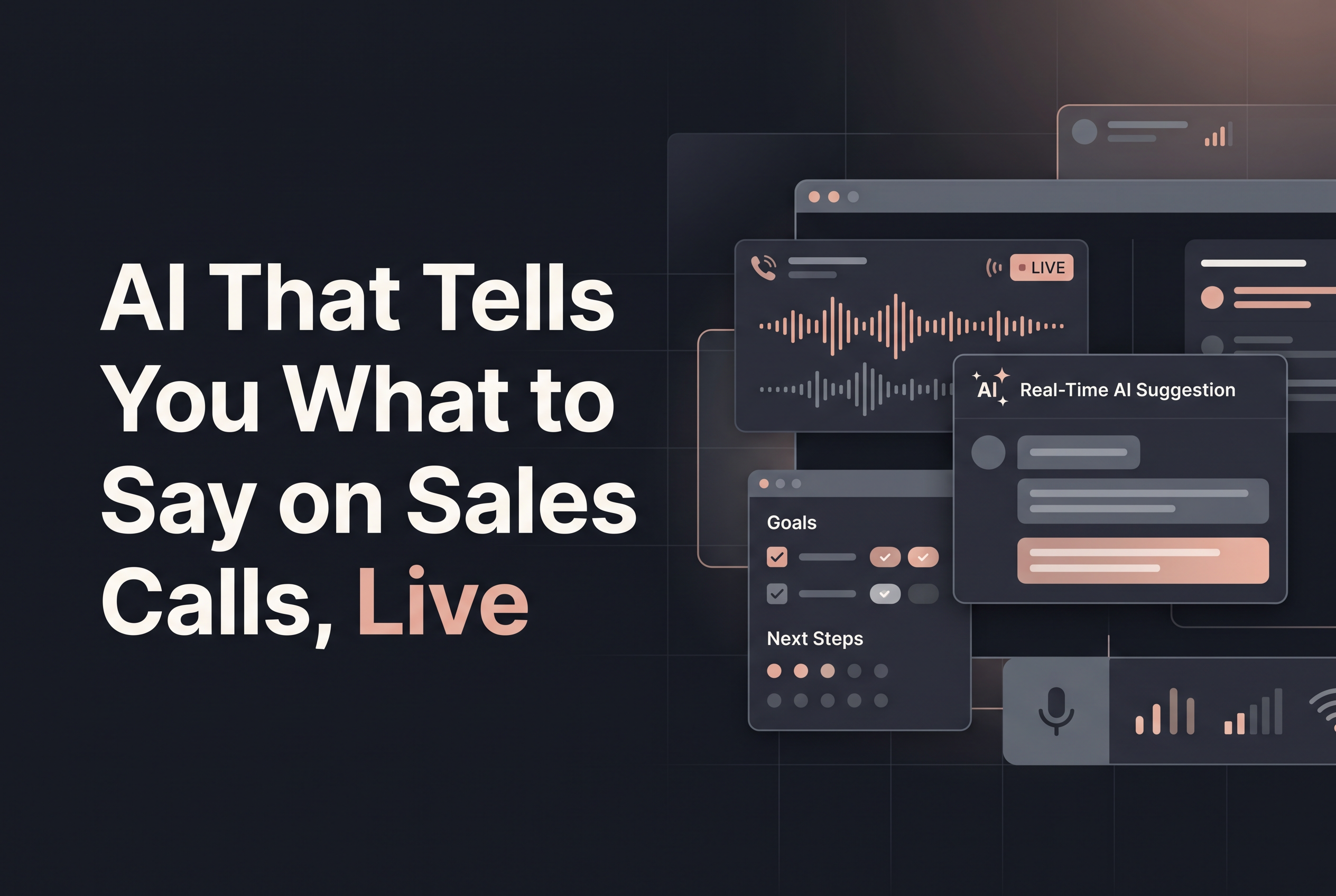
Aside is a Mac and Windows app. When live guidance is on, a small pill sits on your screen during the call. It shows two things: your next move, and your prepared answers. There's no second window to manage and no chat to type into. The prospect can't see it on a shared screen because it lives on your side.
The next move is the nudge for the conversation itself. You haven't asked about timeline yet. You haven't confirmed who signs off. The pill reminds you where the call stands against what you wanted from it. The prepared answers are the replies you wrote ahead of time for the questions that stall you, surfaced when the topic comes up.
So when the prospect asks how your pricing compares, you glance at the pill and see the answer you wrote on a calm Tuesday afternoon, not the one your brain is failing to produce under pressure. You then say it in your own words. That last part matters. The answer is a prompt, not a teleprompter.
After the call, Aside writes up notes, goals reached and next steps, which takes the CRM write-up off your plate. Live guidance is part of the Pro plan, and new accounts get 14 days of Pro with no card, so you can test it on real calls before paying anything.
For a deeper look at the mechanics, see Real-Time Sales Call Assistant: Live Moves and When to Use One.
No bot, on-device transcription: what the prospect sees and where your audio goes
Two questions come up every time someone considers an AI sales call assistant. What does the prospect see? Where does the audio go?
On the first: with Aside, no bot joins the call. There's no "Notetaker has joined" tile in the participant list and no awkward moment where you explain to a buyer why a third party is listening. The prospect sees you, on Zoom, Google Meet, Teams, Slack huddles or FaceTime. Aside also records any other call app, phone calls through your computer and in-room meetings.
That matters more than it sounds. In a first discovery call, trust is thin. A visible recording bot changes how candid the other person is. Some prospects will ask you to remove it. Some will say less.
On the second: English and 24 European languages are transcribed on your computer. Text syncs to your Aside account, and nothing is used to train AI models. If you sell into legal, finance or anything health-adjacent, that distinction is the first thing your prospect's security-minded colleague will ask about. Stick to what is documented and don't stretch it: on-device transcription, no upload of audio, no model training on your data.
It also transcribes English plus 24 more European languages, detected as you speak, which helps if your calls switch language partway through.
We go further into this in Meeting Transcription App: Keep Audio on Your Computer.
Where team platforms like Dialpad, Avoma or Zoom's built-in AI fit better than a solo tool
Not every seller should use a solo tool. Be honest about which one you are.
Dialpad, Avoma and Zoom's built-in AI are designed around teams. They shine when a sales manager wants every rep's calls in one place, scorecards across the pipeline, coaching sessions built from recordings, and admin controls over who sees what. Caretta's comparison of AI sales call tools covers a good range of these. If you run a team of eight reps and need management visibility, a platform built for that is the right call.
Aside isn't built for that. It's built for the individual on the call: a founder running discovery, an account manager handling a renewal, a consultant on a free consultation, a recruiter on a phone screen. You buy it yourself, on a personal or expensed card. There's no procurement process, no rollout and no manager dashboard.
The practical test is simple. Ask who benefits from the tool. If the answer is "the person speaking on the call," you want something that helps them in the moment. If the answer is "the person reviewing the calls later," you want a team platform.
Most coaching suites optimize for the reviewer. Most solo sellers need the opposite: help during the call, then no write-up afterwards. If that's you, the live call coaching software for solo sellers guide is a better starting point than a team comparison.
How to set up prepared answers for the questions that actually stall you
Live guidance is only as good as what you put into it. Don't write answers for every possible question. Write them for the three or four that actually make you freeze.
For most solo sellers, those are:
Pricing. Not a price list. A two-sentence reply that anchors on value and ends with a question. Something like: "It depends on scope, which is why I ask about your current setup. Roughly what are you spending on this today?" You buy time and gather information in the same breath.
Security and compliance. Write the honest answer. If you're not SOC 2 certified, say what you do have, and what you're working towards. A true, calm answer beats a bluff you have to defend later. Prepare it in advance so you aren't inventing it while a buyer watches your face.
"Who else is involved?" This is both a question you ask and one you get asked. Prepare the version you ask: "Who else would need to be comfortable with this before it moves forward?" It surfaces the hidden decision-maker without sounding like an interrogation.
"Send me an email." Have a reply ready that agrees, then secures a next step. We cover the exact phrasing in How to Handle the 'Send Me an Email' Objection on a Sales Call.
Write each answer the way you speak, not the way you write. Keep it under three sentences. Then run one real call and note which question stalled you that you hadn't prepared for. Add it. After five calls your set is tuned to your own gaps, which no generic script can match.
For discovery calls specifically, pair this with your discovery call questions so the next move and the answers support each other.
Conclusion
Script generators help you prepare. Notetakers help you remember. Only live guidance helps while the prospect is waiting for your answer, and that is the moment solo sellers lose deals.
So do this before your next discovery call: write answers to your four stall questions (pricing, security, who else is involved, send me an email), then load them into Aside. Turn on live guidance during your 14-day Pro trial, take one real call on Zoom, Meet or Teams with no bot in the room, and see whether the pill gave you the next move when you needed it. If it did, you have your answer. If a question still caught you out, add it to your prepared answers and run the next call. Download Aside for Mac or Windows and make the first call the test.
Questions
Can AI listen to a sales call in real time and tell you what to say?
Yes. Live in-call guidance tools listen as the call happens and surface a suggestion while you talk. Aside does this with live guidance during calls, with audio transcribed on-device and no bot joining. Script generators and post-call notetakers do not do this, since they work before or after the call.
Does AI call guidance work on Zoom, Google Meet and Teams?
Aside records Zoom, Google Meet, Microsoft Teams, Slack huddles and FaceTime, plus any other call app, phone calls through your computer and in-room meetings. It runs on Mac (Apple silicon, macOS 14.2 or later) and Windows 10 (2004 or later) or Windows 11 on x64. No bot joins the call.
Does an AI sales call assistant replace a script or notes?
It replaces the need to read a linear script, not the thinking behind it. For notes, Aside writes up notes, goals reached and next steps after the call, so you skip the manual write-up.
What is the difference between a sales call script generator and live guidance?
A script generator writes text before the call that you read or memorize. Live guidance works during the call, showing a next move and your own prepared answers as topics arise. A generator assumes the conversation follows the script. Live guidance handles the questions that do not.
Is AI for sales call coaching only for teams?
No. Many coaching suites are built for managers reviewing team recordings, but solo sellers can use live guidance on their own calls. Aside is aimed at the individual on the call and is bought self-serve. Free covers unlimited recording and notes, and Pro at $48 per month adds live guidance.