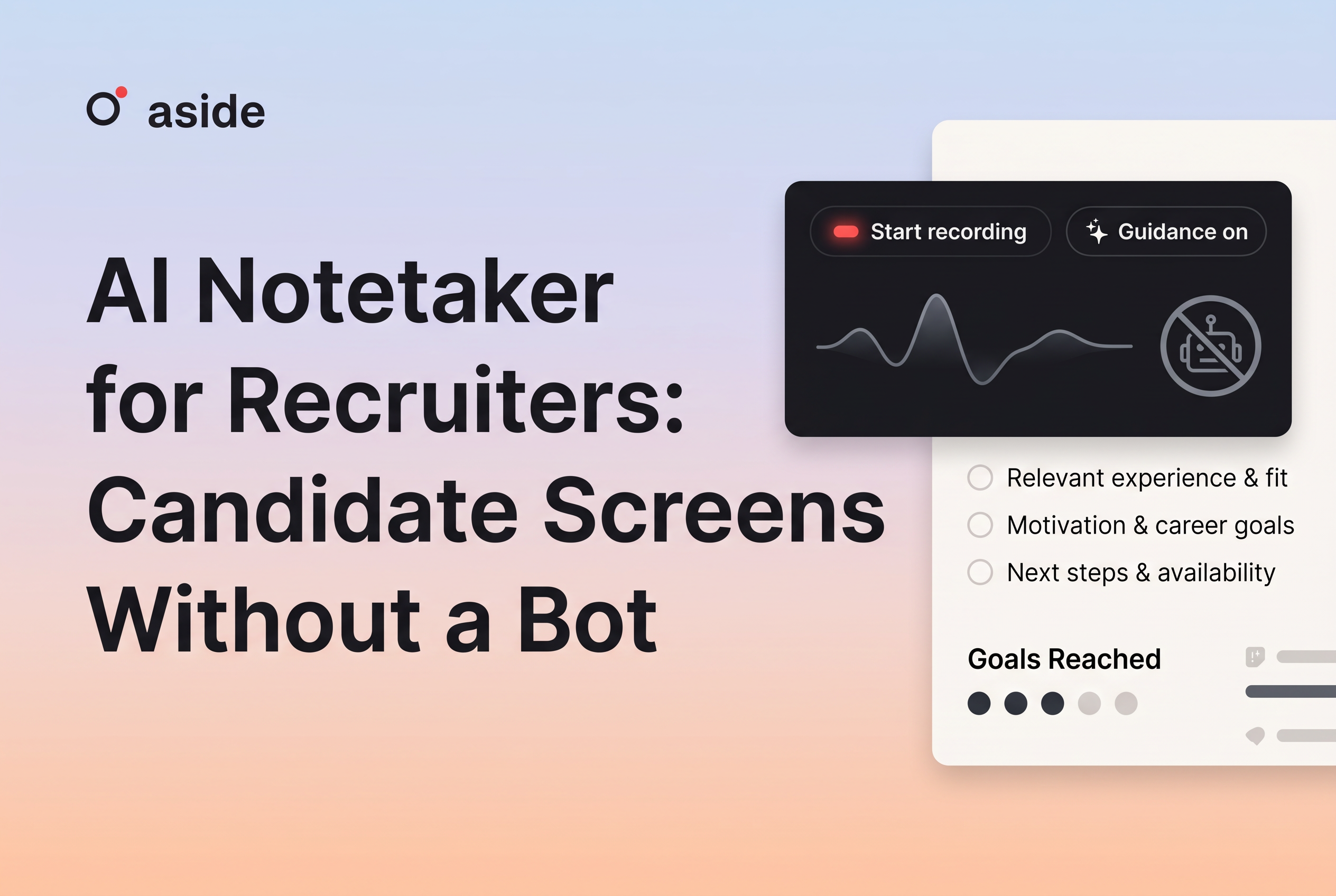
The best AI notetaker for recruiters is one that writes up your candidate screens, client intakes and reference calls without a bot joining the call, so the candidate talks to you and not to a recording widget. That means a tool that records on your own computer, gives you structured notes and next steps, and leaves you in control of what you say about the recording.
This post sets out what to check in any recruiter notetaker, what Metaview and Sonarnote say about themselves, where Aside fits, and a consent checklist for the UK and Ireland. It also answers the questions people ask when they search this topic, from how to use an AI note taker in Teams to which AI tool is best for recruitment.
Why a bot on a candidate call is awkward for recruiters
A bot on a candidate call is awkward because it changes who the candidate thinks is in the room. A participant named "Notetaker" appears in the Zoom or Teams list, and the candidate has not been told what it is, who sees the transcript or where it goes.
Candidates screened while still employed are the sharpest case. Someone taking a call from a quiet corner at lunch does not want an unfamiliar attendee on screen. They get guarded, give shorter answers about salary and notice period, and you end up with worse information than a plain conversation would have given you.
Client calls have the same problem in reverse. A hiring manager giving you a candid read on why the last person left may not want a third-party recorder sitting in the meeting. Reference calls are worse. Referees are doing you a favour, and a bot joining without warning can end the favour.
That doesn't mean you shouldn't record. The method matters. Recording on your own device and telling people you are recording is a different experience from an extra attendee appearing in the participant list. If you want the mechanics, AI Meeting Recorder With No Bot: How Bot-Free Recording Works walks through how bot-free recording works.
What to look for in an AI notetaker for recruiters
Judge an AI notetaker for recruiters on six things: how it joins the call, where audio is processed, what comes out after the call, whether it helps during the call, what it costs, and which calls it covers.
1. How it joins. Ask whether a visible participant joins your meeting. If your candidates or clients would notice it, decide whether that is acceptable for each call type.
2. Where audio goes. Ask whether audio is uploaded to a server or transcribed on your machine. For candidate data, on-device transcription gives you a shorter answer when a client asks where recordings live.
3. What you get afterwards. A raw transcript is not a write-up. You want notes, what was agreed and next steps you can paste into your ATS or CRM. Check whether you can edit them.
4. Help during the call. Some tools only record. Others prompt you on what to ask next. On a screen where you must cover notice period, salary expectations and right to work, a prompt saves you the awkward "anything else?" ending. For the distinction, see AI Notetaker vs Live Call Assistant: Which Helps on Calls.
5. Price and who it is built for. Recruiting-specific platforms often price per user and per agent. One comparison of recruiter notetakers lists Metaview Pro at $100/user/mo and Carv Recruiter Pro at $60/user/mo (Truffle, 2026), while general tools such as Fireflies.ai start at $10/seat/mo. If you pay for your own tools, that range matters.
6. Call coverage. Check that it handles Zoom, Google Meet, Teams and ordinary phone calls through your computer. Recruiters switch between all of them in a day.
Candidate screens, client intakes and reference calls: what each call needs written up
Each call type needs different notes, so the right notetaker gives you a structure you can adapt instead of one generic summary.
Candidate screens need the facts you will be asked for later: current role and package, notice period, location and right to work, reasons for looking, and what they would not consider. They also need your read on motivation. Pair the notetaker with a solid question list from Recruiter Phone Screen Questions: What to Ask and When.
Client intakes need the brief in the hiring manager's own words: must-haves versus nice-to-haves, team shape, salary band, interview stages and timeline. The notes you write here decide whether your shortlist lands. Use Intake Meeting Questions to Ask a Hiring Manager to cover the ground, then let the transcript catch exact phrasing you would otherwise paraphrase badly.
Reference calls need what the referee said about the candidate, in their words, with enough detail to quote later. Accuracy matters most here, so a transcript you can check beats memory.
Across all three, the output you want has the same shape: a short summary, what was covered, and clear next steps with who owns them. If a tool gives you only a wall of transcript, you are still writing the notes yourself.
Metaview and Sonarnote: what their own docs say
Metaview and Sonarnote both target recruiters, but they differ on the question that matters most here: whether anything joins the call.
Metaview. Metaview's AI Notetaker records and transcribes recruiting conversations and produces editable, structured notes. It can join eligible interviews from your calendar or ATS connection, be invited manually, or be used for phone screens. On video calls it appears as a visible participant that the host can admit or remove, and Metaview also offers a no-bot option for supported calls. It has custom templates for screens, Q&A and debriefs, and integrations that can send notes to the candidate's ATS record. Metaview describes its assistant as retrieving details from the transcript rather than recommending candidates. The company now describes itself as a broader platform, and its site mentions agents that find and reach out to candidates. A recruiter-tool roundup lists Metaview with a limited free tier and Pro at $100/user/mo, priced per agent across the platform.
Sonarnote. It works with Zoom, Google Meet, Microsoft Teams, Slack and other platforms, then produces speaker-labelled transcripts, searchable notes and interview summaries. It runs as a desktop app and says it does not need calendar access. Even with no extra participant, you should tell candidates the conversation is being recorded.
Both can run without a bot. Metaview is the broader recruiting platform with ATS integrations and a bot by default on video calls. Sonarnote is a desktop recorder aimed at interviews.
Where Aside fits: no bot, on-device transcription, notes, next steps and live prompts
Aside is a Mac and Windows app that records calls on your computer and writes up notes, goals reached and next steps, with optional live guidance. No bot joins the call.
That covers the criteria above directly. English and 24 European languages are transcribed on your computer. Text syncs to your account, and nothing is used to train AI models. It records Zoom, Google Meet, Microsoft Teams, Slack huddles, FaceTime, any other call app, phone calls through your computer and in-room meetings. A recruiter hopping between a client's Teams link and a candidate's Zoom has one tool for all of it.
The live part is optional. Live guidance prompts you during the call. On a candidate screen that can be a prompt to ask about notice period before you wrap up. On a client intake it can nudge you to confirm the salary band and interview stages. It is a prompt for you, and the candidate never sees it. For more on this, see AI That Tells You What to Say on Sales Calls, Live, which covers the same mechanic for sales calls.
A keyboard shortcut lets you add a note from any app. It's handy for flagging a quote while the candidate is still talking.
Requirements and price. Aside runs on Macs with Apple silicon (M1 or later, macOS 14.2 or later) and on Windows 10 (version 2004 or later) or Windows 11 on x64 with AVX. The free plan is free forever with unlimited recording, notes, transcripts and speaker names. Pro is $48/month or $456/year ($38/month) and adds plans, live guidance, summaries and follow-up email. New accounts get 14 days of Pro with no card.
Aside is built for an individual professional, not a team rollout. If you are a solo recruiter or a small firm where each person picks their own tool, that fits. If you need ATS sync into a shared hiring platform, a recruiting-specific platform like Metaview is built for that.
A short consent and privacy checklist before you record (UK and Ireland, general info only)
Before you record any recruiter call, tell people you are recording, say why, and be ready to explain where the recording goes. This is general information, not legal advice. Check your own obligations under UK GDPR and Irish data protection law, or ask your data protection contact.
Tell the other person at the start. "I'm recording this so I can write accurate notes. Is that okay?" takes five seconds and works whether or not a bot is visible. Sonarnote's own guidance makes the same point: no extra participant does not remove the need to tell people.
Offer to stop. If a candidate or referee says no, switch it off and take handwritten notes.
Know where audio lives. Be able to say whether audio is uploaded or transcribed on your device. With Aside, English and 24 European languages are transcribed on your computer, and text syncs to your account.
Cover it in your privacy notice. Candidate data processed from recordings should be described in the privacy information you give candidates.
Keep only what you need. Decide how long notes and transcripts stay, and delete them on the same schedule as the rest of the candidate record.
Check client terms. Some clients restrict recording on intake calls. Ask before the first one.
Reference calls: ask first. Tell the referee before you start, since they are giving you information as a favour.
How to try a notetaker on one week of calls
Test any notetaker on one real week of calls, not a demo, and score it on what it saves you.
Day 1. Install it and run it on one internal test call to check audio on your normal setup (headset, laptop speakers, whichever app you use most).
Days 2 to 4. Use it on every candidate screen. Tell each candidate you are recording. Note how long write-ups take compared with your usual routine.
Day 5. Use it on a client intake and, if you have one, a reference call. These are the calls where exact wording matters.
End of week. Score it on four questions. Did anyone react to the recording? Were the notes accurate enough to paste into your ATS with light editing? Did next steps come out clearly? Did you spend less time writing up than before?
If you want to try Aside for this, the free plan gives you unlimited recording, notes and transcripts, and a new account includes 14 days of Pro, which is long enough to test live prompts across a full week. For a broader comparison of what to check, see Meeting Notes App: Pick One That Helps During the Call.
Run your next candidate screen without a bot
The tool matters less than the habit: record on your own device, say so at the start, and let the notes and next steps write themselves. A bot isn't required for any of that. If you place candidates from a Mac with Apple silicon or a Windows PC, install Aside, run it on your next candidate screen, and check the notes it writes against what you would have typed yourself.
Questions
What is the best AI notetaker for recruiters?
It depends on the call. Metaview is a recruiting platform with ATS integrations and a no-bot option on supported calls. Sonarnote records computer audio with no bot. Aside is a Mac and Windows app that records on-device with no bot, writes notes and next steps, and offers optional live prompts, with a free plan.
Can a recruiter use an AI notetaker without a bot joining the call?
Yes. Some tools record audio from your computer instead of joining as a participant. Sonarnote and Aside both work this way, and Metaview offers a no-bot option on supported calls. You should still tell candidates, clients and referees that you are recording, even when nothing appears in the participant list.
How do you use an AI note taker in Teams?
Either let a bot join the Teams meeting, or run an app on your computer that records the call audio. With Aside, you start it on your Mac or Windows PC and it records the Teams call on-device without adding a participant, then writes notes and next steps after the call.
Does an AI notetaker replace an ATS?
No. A notetaker captures and structures what was said on the call. Your ATS or CRM still holds the candidate record. Some recruiting platforms, such as Metaview, can send notes into the candidate's ATS record. With a standalone app like Aside, you review the notes and copy what you need across.
Is it okay to record a candidate screen in the UK or Ireland?
Generally you should tell the candidate you are recording, explain why, and handle the recording in line with UK GDPR or Irish data protection rules. This is general information, not legal advice. Aside transcribes audio on-device and never uploads it, which can make it easier to explain where recordings go.
Sources
- https://www.metaview.ai/
- https://www.hiretruffle.com/blog/ai-note-taking-tools-for-recruiters
- https://google.com/goto?url=CAESVQHEIkXXLAIqjN2XsvaTXz82M8ZPnwwepWCrqsFslyH90Y_L5M-DbeMvrE-ThlV5-qzFJBUpMj7UGn1Z38RZO17Dpku7BPvAXLcNK1q6pNVhg0yQoLg
- https://google.com/goto?url=CAESgQEBxCJF1zAsmPnTjd57aWC6S6LiBAmMotMhY923PWkx4yNZ2d2OwGWqccOwv7BmQeD8aonzDLZVIOT4eGivetq7f6HRgfkNNZrJEazRMveczDMoo5LEEnZ4b9R68n8-U7VwgWfjRE-NzXuQNVhKdjMVJ4K76KWwMAIeV1gztF1Tyq4
- https://google.com/goto?url=CAESZwHEIkXX2OD_DvJDIdrmRXXzZ6mwwQR0DjRYPCCd603bZmS2VosjyW8f5v6wAYV1oonSoggdWteYu5N1h7XK9ZGfi-iCDyQUpFm0Ytceo-GCM1a8WDbiqpUbXEthg5xQaOFrfLNLJ58
- https://asidehq.app/
- https://www.metaview.ai/interview-notes
- https://sonarnote.com/